






Kantru MU
  • English
  • Español
  • Português
  • Tiếng Việt
  • ไทย
  • 简体中文
  • 日本語
  • Latviešu
  • Русский
  • Filipino
首页新闻社区排行榜活动资料库市场商城下载登录注册账号
Back

商城与货币

Kantru Coins (KCoin) 是唯一可以购买的货币,Play Points (PP) 靠游戏时间获得。各自能买什么、商城的九个分页、购买与赠送。

Cash Shop 是游戏内的商城:按 X 打开。里面的所有商品都在游戏内购买。网站的商店用来充值和购买 VIP,它的目录列出商城里的每件商品和价格。

Kantru Coins 与 Play Points

Kantru Coins (KCoin)
是什么
购买的金币
如何获得
在商店充值
用在哪里
九个分页中的八个、VIP 和账号服务
  • 可以购买
  • 可以转给其他账号
  • 商品可以赠送
Play Points (PP)
是什么
游戏时间换来的点数
如何获得
每在线一小时 5 点,每天最多 60 点
用在哪里
Play Points 分页
  • 可以购买
  • 可以转给其他账号
  • 商品可以赠送

Kantru Coins (KCoin)

Kantru Coins 是唯一需要花钱购买的货币。

  • 充值:

    打开商店,选择套餐并用 PayPal 支付。PayPal 确认付款后金币立即到账。部分套餐附赠金币。

  • 转生:

    每次转生还会获得 25 KCoin。

  • 转账:

    在 我的账号 → KCoin 转账 把 KCoin 转给其他账号。

  • 账号服务:

    改名、转职、购买属性点和属性重置都用 KCoin 支付。

Play Points (PP)

Play Points 靠游戏时间获得,无法购买。

  • 获得:

    每登录一小时获得 5 Play Points,每天最多 60 点。12 小时即达上限,按服务器时间午夜重新计算。

  • 离线:

    处于离线挂机或离线商店的角色不会获得点数。

  • 仅限本人:

    Play Points 不能转给其他账号,用它购买的商品也不能赠送。

  • 用途:

    在商城的 Play Points 分页购买宝石、活动门票、精英药水和一枚印章。

九个分页

  1. 01门票KCoin
    7

    Devil Square、Blood Castle、Illusion Temple、Kalima、Doppelganger 和 Imperial Guardian 的门票

  2. 02增益KCoin
    25

    印章、护身符、小雕像、光环和卷轴

  3. 03宝石KCoin
    8

    Jewel of Bless、Life、Chaos、Soul、Guardian、Harmony、Creation 和 Gemstone

  4. 04高级宝石KCoin
    4

    Jewel of Luck、Ancient Luck、Ancient Harmony 和 Parure

  5. 05宠物KCoin
    11

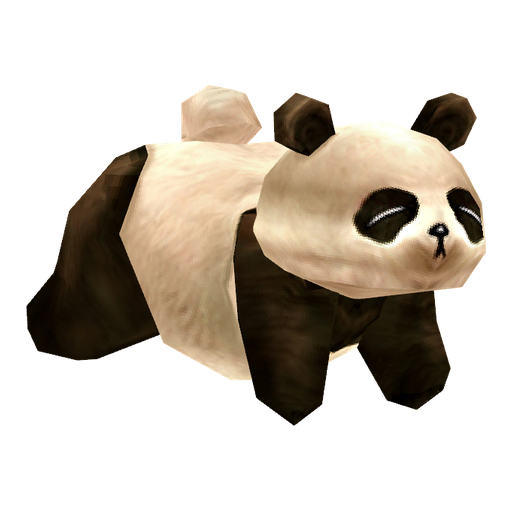
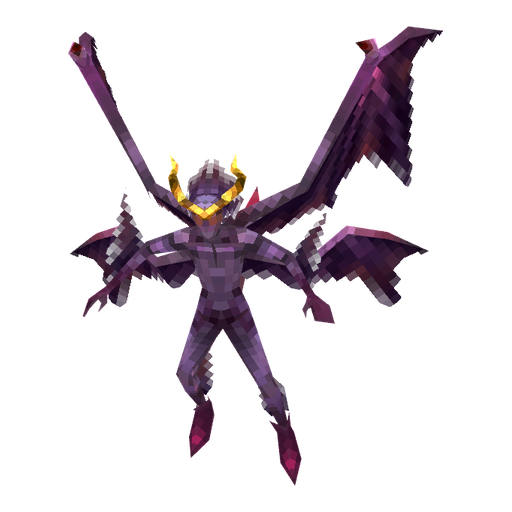
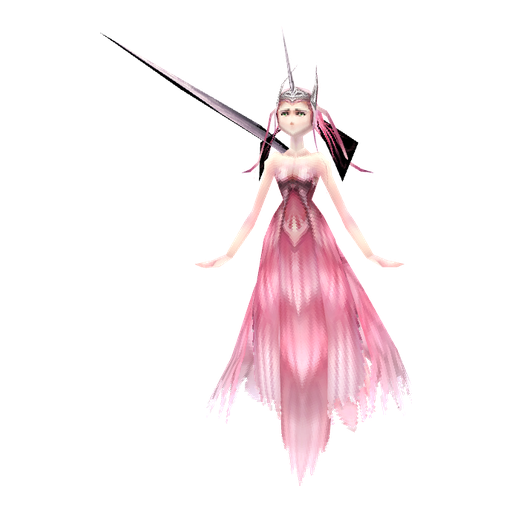
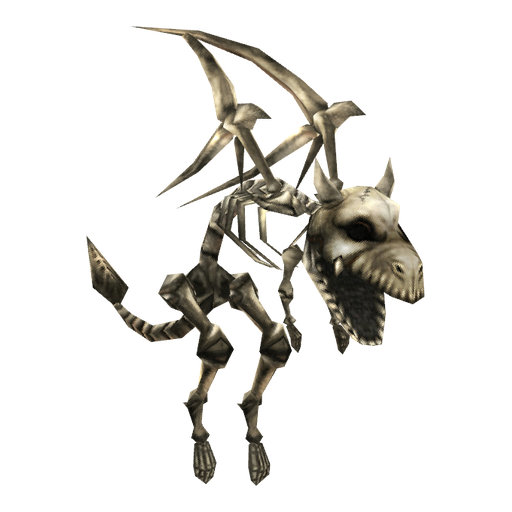
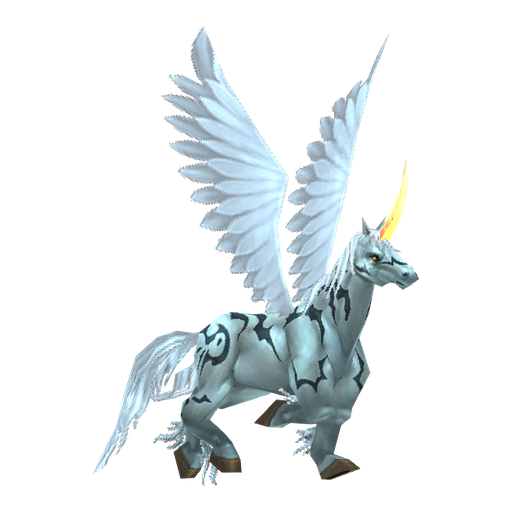
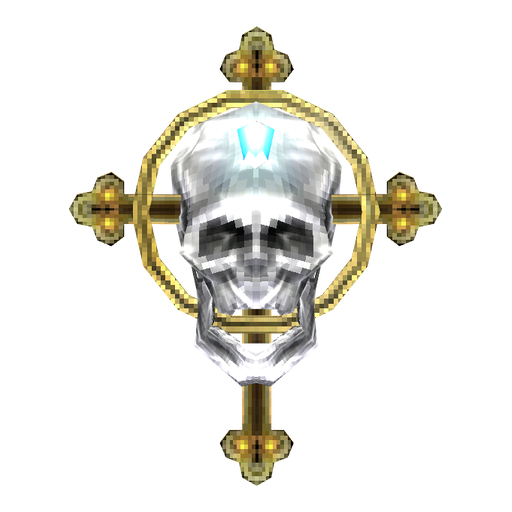
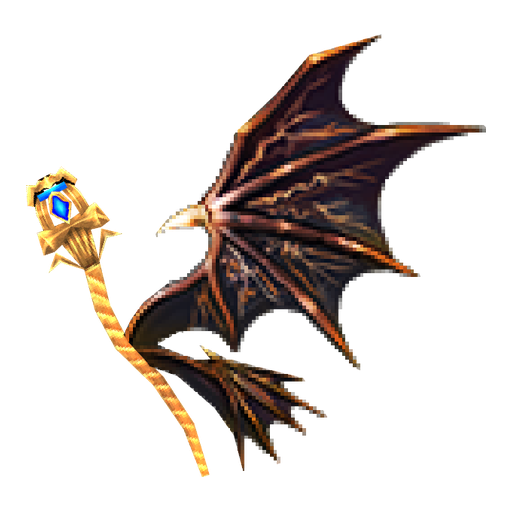
    Panda、Skeleton、Unicorn、Demon、Spirit of Guardian、Imp、Guardian Angel、Dark Raven、Dark Horse、Dinorant 和 Uniria

  6. 06戒指与项链KCoin
    11

    变身戒指、法师戒指以及元素戒指和项链

  7. 07药水与护符KCoin
    20

    精英药水,以及物品保护、幸运、守护、Chaos Assembly、复活和移动护符

  8. 08服务KCoin
    4

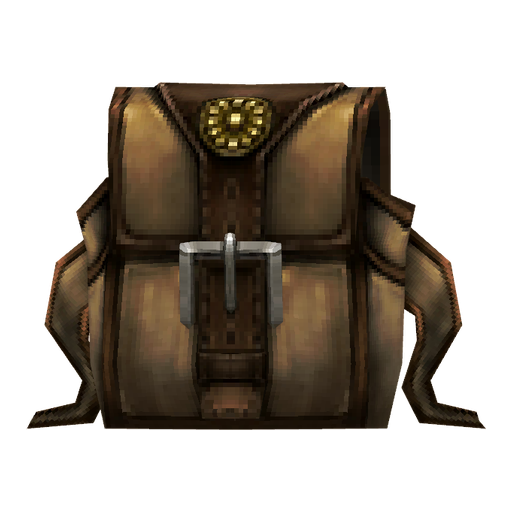
    Vault Expansion Certificate、Magic Backpack 和大师技能重置

  9. 09Play PointsPP
    9

    Jewel of Bless、Chaos 和 Soul,Blood Castle、Devil Square 和 Kalima 门票,精英药水和 Seal of Ascension

不卖翅膀。

商城不出售翅膀和披风,它们要在 Chaos Machine 合成。

在游戏内购买

  1. 1

    按 X 打开 Cash Shop。KCoin 和 Play Points 余额显示在右上角。

  2. 2

    在左侧选择分页,找到商品。

  3. 3

    按 Buy,选择数量或天数并确认。

  4. 4

    商品会进入商城的 Storage。在那里选中它并按 Use 放进背包,所以请留出空位。

赠送

所有用 KCoin 购买的商品都可以送给其他角色。Play Points 商品不能赠送。

  1. 1

    按 X 打开 Cash Shop,找到商品。

  2. 2

    打开商品的购买窗口,选择 Gift 而不是 Buy。

  3. 3

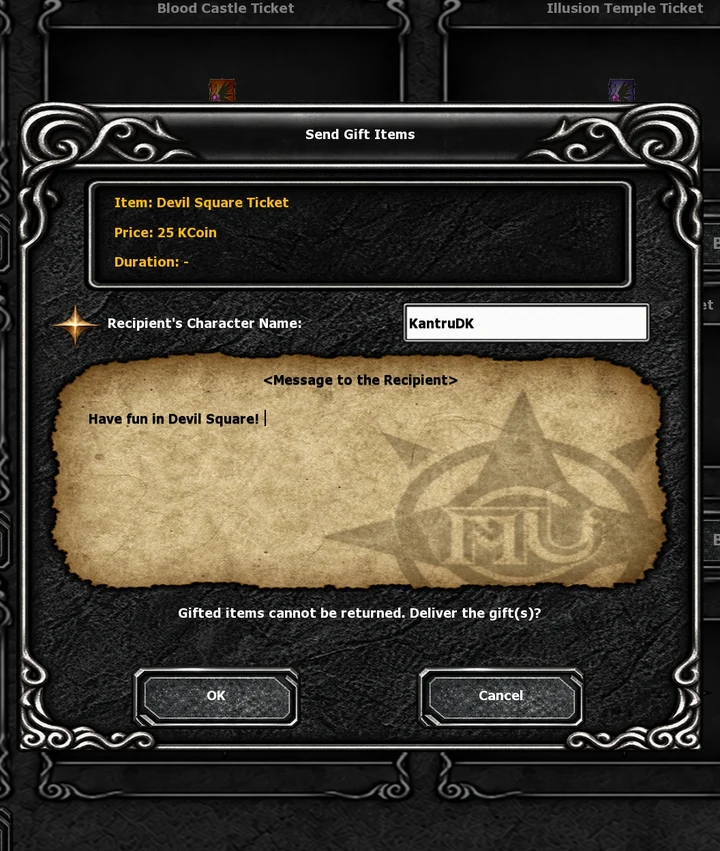
    输入收礼角色的名字并确认,费用从你的 KCoin 中扣除。

  4. 4

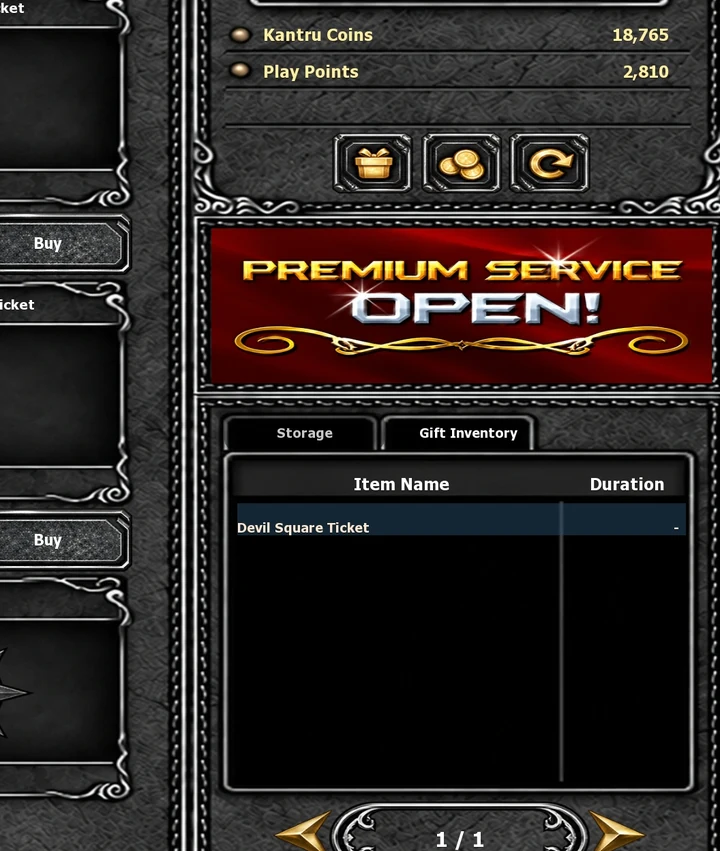
    礼物会放在对方商城 Storage 旁边的 Gift Inventory,直到对方按 Use。
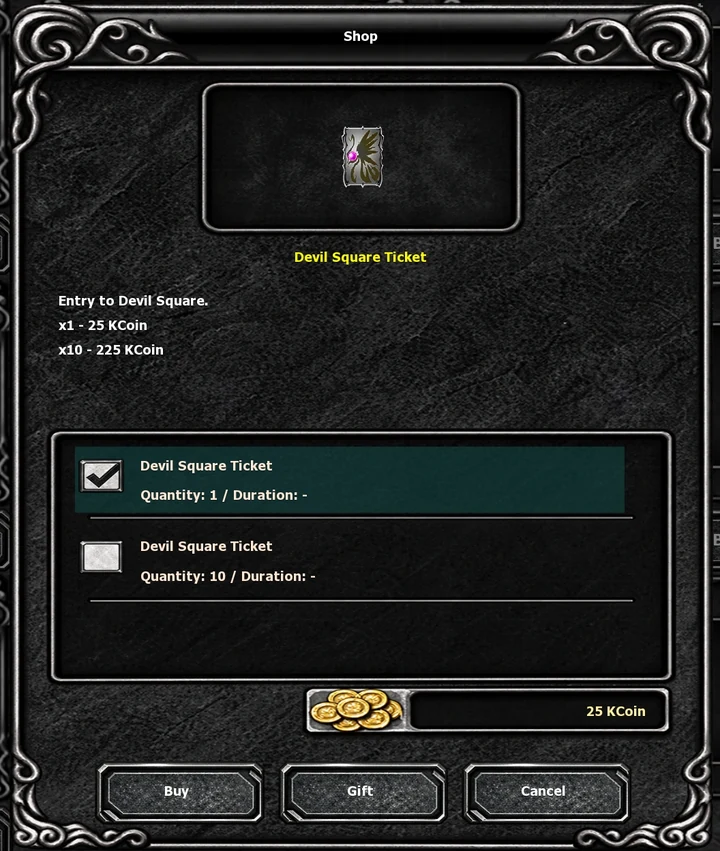
The buy window: Gift sits between Buy and Cancel
Send Gift Items: the character's name and a message
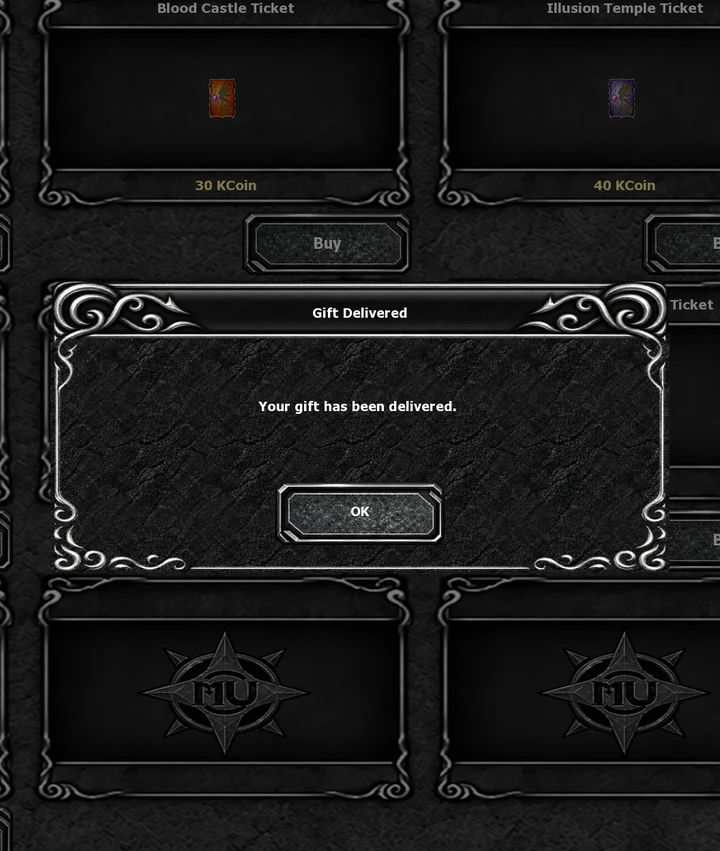
Gift Delivered: the price has come off your KCoin
The recipient's Gift Inventory holds the gift
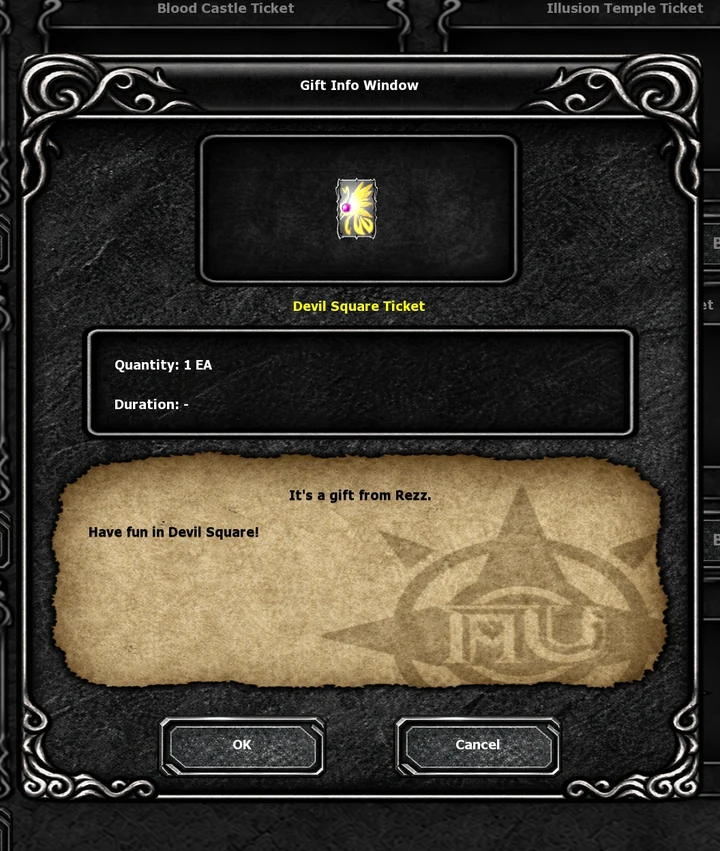
Gift Info shows who sent it and the message
收到礼物时。

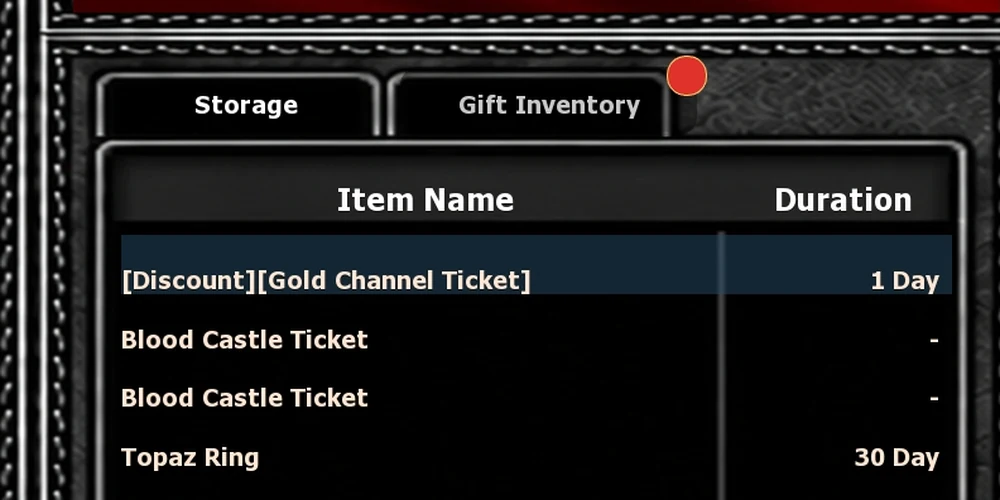
收礼人登录时会在聊天框看到 You received a gift from 和送礼角色的名字,Gift Inventory 标签上会有一个红点,直到打开为止。
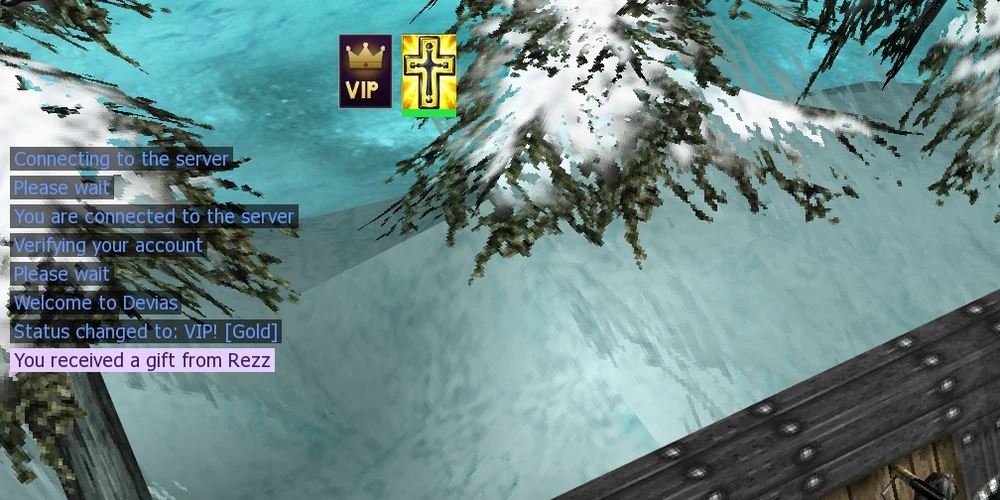
The chat line at log-in: You received a gift from Rezz
The red dot on Gift Inventory goes away once the tab is opened

购买 KCoin

  1. 1

    登录并打开商店。

  2. 2

    选择 KCoin 套餐。首次充值还会附赠金币。

  3. 3

    勾选订单下方的复选框,然后按 PayPal 按钮。

  4. 4

    在 PayPal 完成付款。返回商店后金币已到账,收据会发送到你的邮箱。

已经在游戏中?

无需重新登录。按 X 打开 Cash Shop,再点击刷新,即右上角余额下方的第三个按钮。

没有收到金币?

在 Discord 提交工单,并附上收据中的订单号。

网站上

  • 充值 KCoin:

    在商店用 PayPal 充值。余额和 VIP 剩余时间显示在顶部。

  • VIP:

    在 VIP 商店购买或延长 VIP,也可以送给朋友。

  • 目录:

    目录按分页列出商城的每件商品和价格。仅供查看:商品要在游戏内购买。

  • KCoin 转账:

    在 我的账号 → KCoin 转账 把金币转给其他账号。

小贴士

  • 按分页定价:

    商品价格使用所在分页的货币。Blood Castle Ticket 在门票分页用 KCoin,在 Play Points 分页用 PP。

  • 每日上限:

    无论玩多久,Play Points 每天最多 60 点。

  • 不退款:

    购买的是数字商品,不予退款。您的法定权利不受影响。

  • 留出空位:

    在 Storage 按 Use 之前,先在背包里留出空位。

Discuss on the forum

Start a topic

No topics yet. Start the first one.

All topics in this board