
Cash Shop and coins
Kantru Coins (KCoin) are the one currency you buy, Play Points (PP) are earned by playing. What each one buys, the nine shop tabs, buying and gifting.
The Cash Shop is the store inside the game: press X to open it. Everything in it is bought there, in the game. The website shop is where you top up your coins and buy VIP, and its catalog shows every Cash Shop item with its price.
Kantru Coins and Play Points
- What it is
- The coins you buy
- How you get it
- Top up in the shop
- Where you spend it
- Eight of the nine shop tabs, VIP and the account services
- Can be bought
- Can be sent to another account
- Items can be gifted
- What it is
- Points you earn by playing
- How you get it
- 5 for every hour online, up to 60 a day
- Where you spend it
- The Play Points tab
- Can be bought
- Can be sent to another account
- Items can be gifted
Kantru Coins (KCoin)
Kantru Coins are the only currency you pay money for.
- Top up
Open the shop, pick a package and pay with PayPal. The coins are on your account as soon as PayPal confirms the payment. Some packages come with bonus coins.
- Resets
Every reset also pays out 25 KCoin, 25 Play Points.
- Transfer
Send KCoin to another account under Account Area → KCoin transfer.
- Account services
A name change, a class change, buying stat points and the stats reset are paid in KCoin.
Play Points (PP)
Play Points are earned by playing. They cannot be bought.
- Earn
5 Play Points for every hour you are logged in, up to 60 a day. That is reached after 12 hours; the count starts again at midnight, server time.
- Offline
Characters in offline levelling or with an offline shop do not earn points.
- Yours only
Play Points cannot be sent to another account, and items bought with them cannot be gifted.
- Spend
In the Play Points tab of the Cash Shop: jewels, event tickets, elite potions and a seal.
The nine tabs
01TicketsKCoin 
 7
Entry tickets for Devil Square, Blood Castle, Illusion Temple, Kalima, Doppelganger and Imperial Guardian
02BuffsKCoin 


 25
Seals, charms, figurines, auras and scrolls
03JewelsKCoin 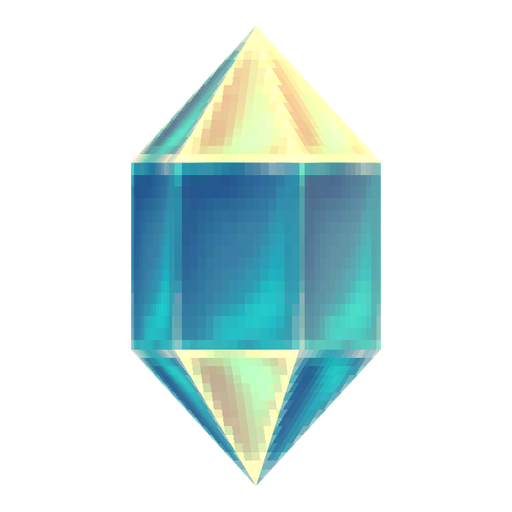
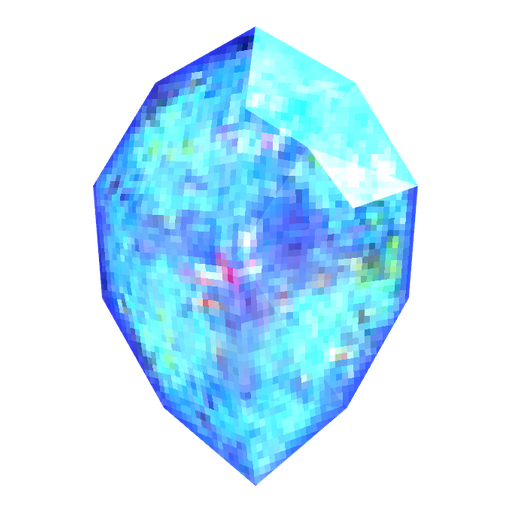
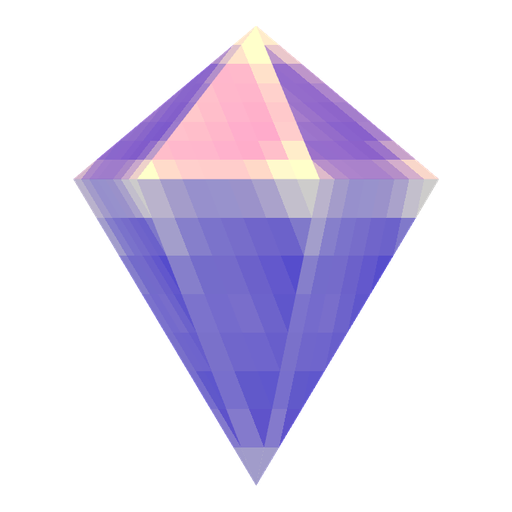
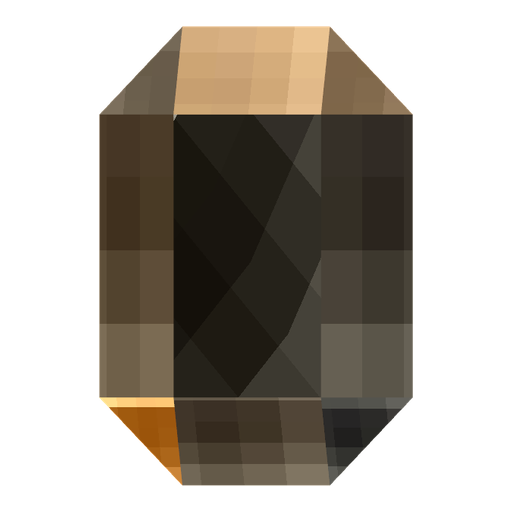
 8
Jewel of Bless, Life, Chaos, Soul, Guardian, Harmony, Creation and the Gemstone
04Premium jewelsKCoin 

 4
05PetsKCoin 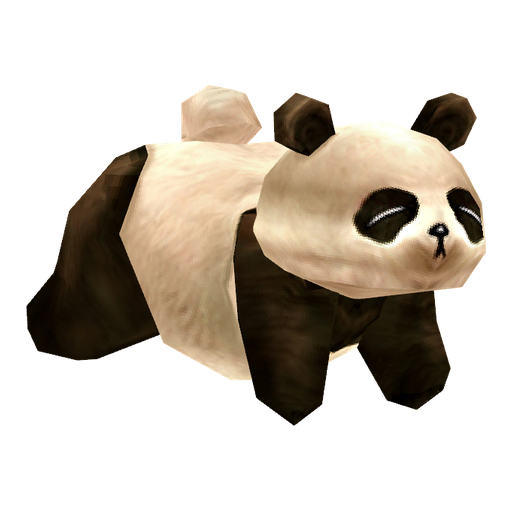
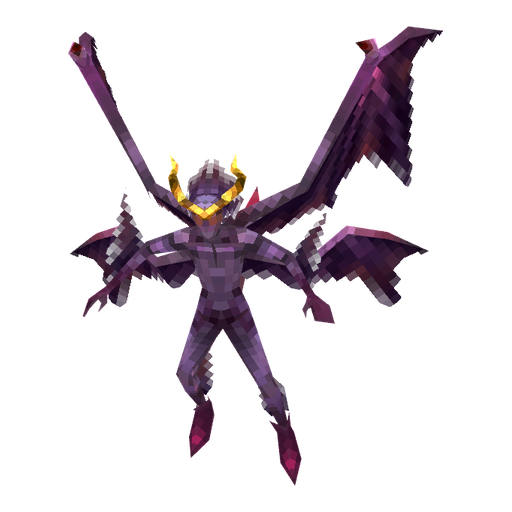
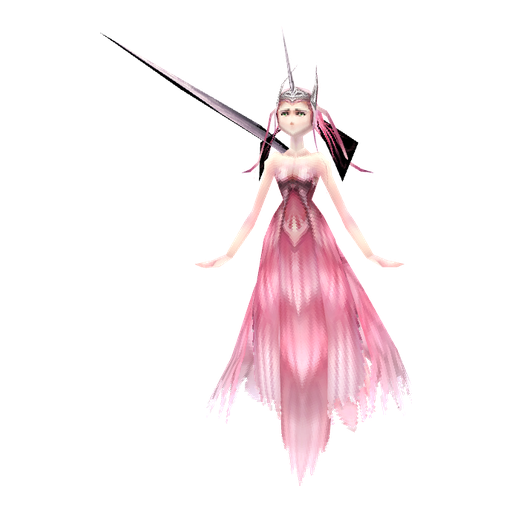
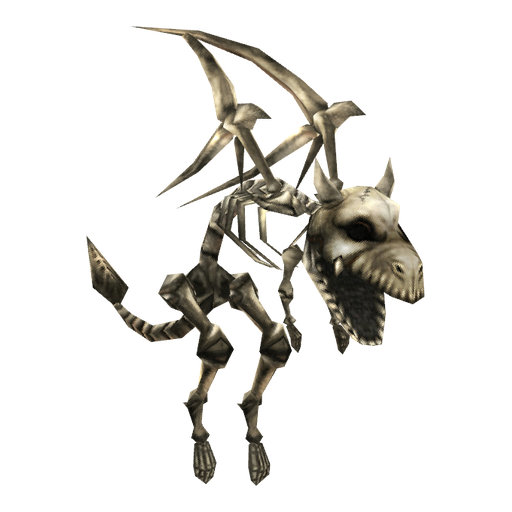
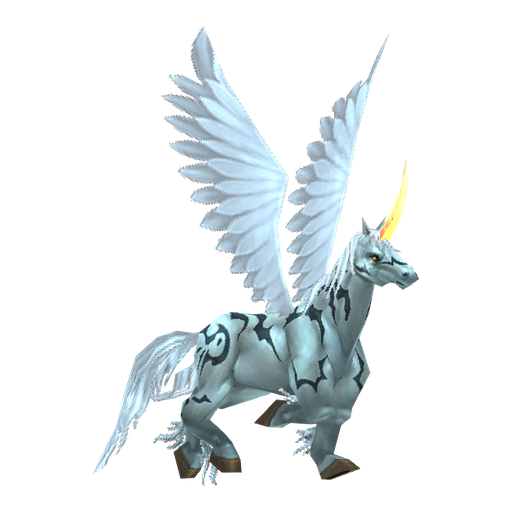 11
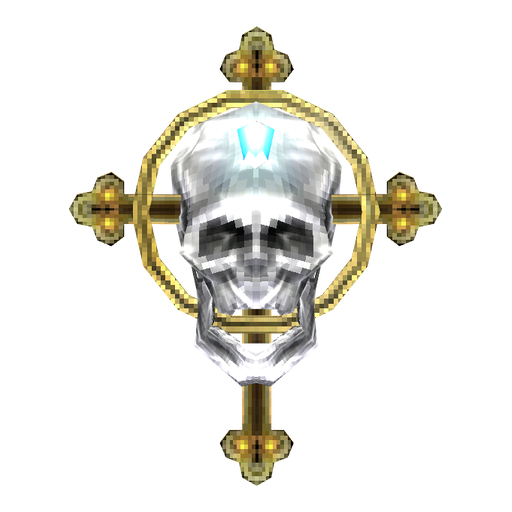
Panda, Skeleton, Unicorn, Demon, Spirit of Guardian, Imp, Guardian Angel, Dark Raven, Dark Horse, Dinorant and Uniria
06Rings & NecklacesKCoin 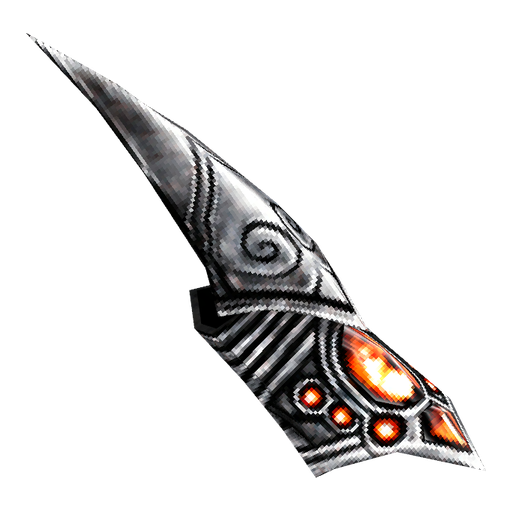
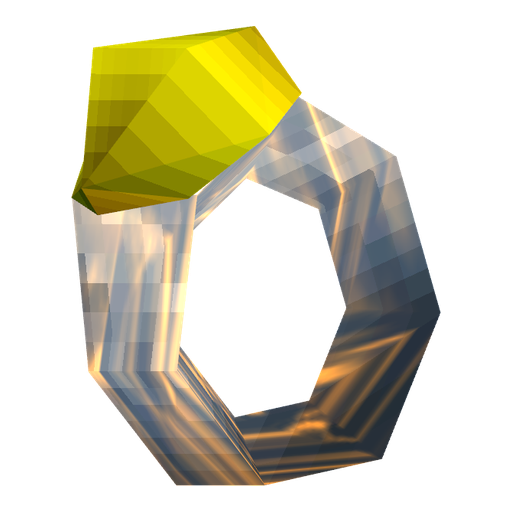
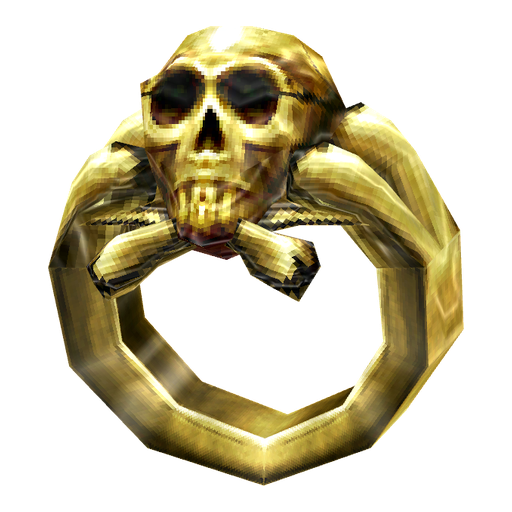
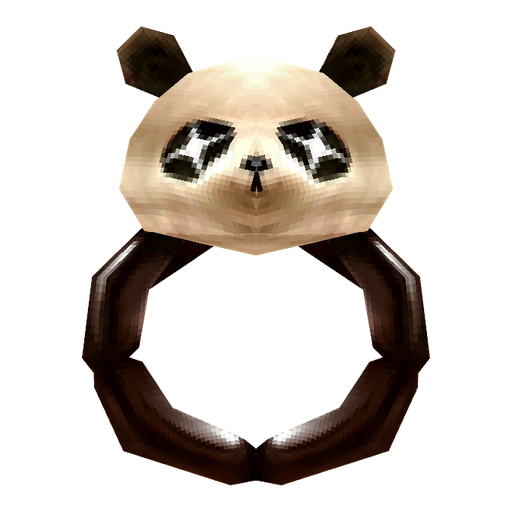
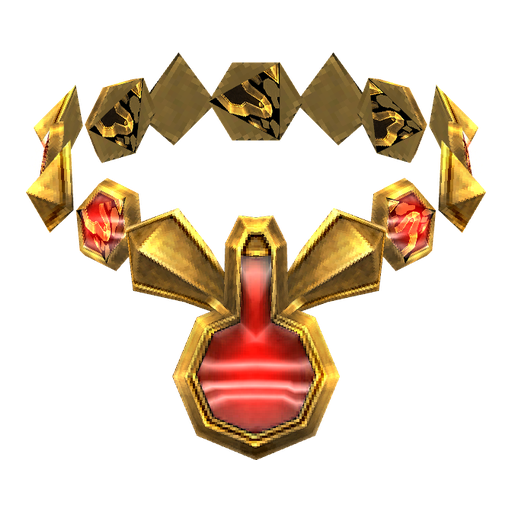 11
Transformation rings, the wizard's rings and the elemental rings and necklaces
07Potions & TalismansKCoin 
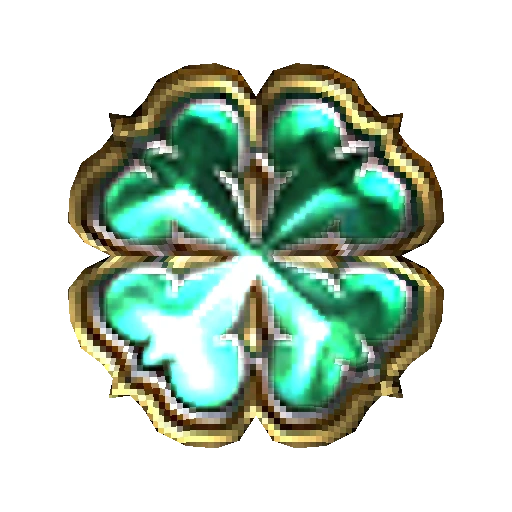
 19
Elite potions and the talismans of item protection, luck, guardian, chaos assembly, resurrection and mobility
08ServicesKCoin 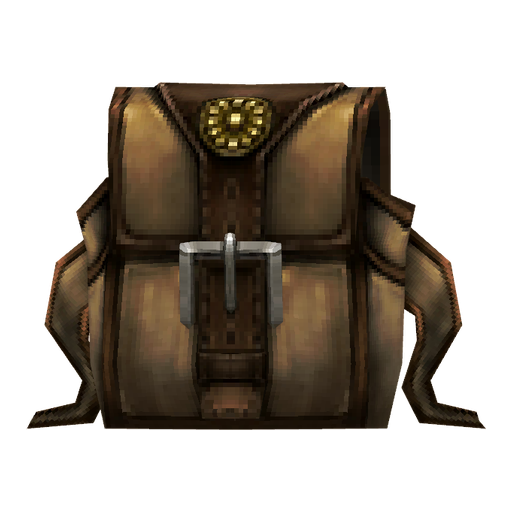
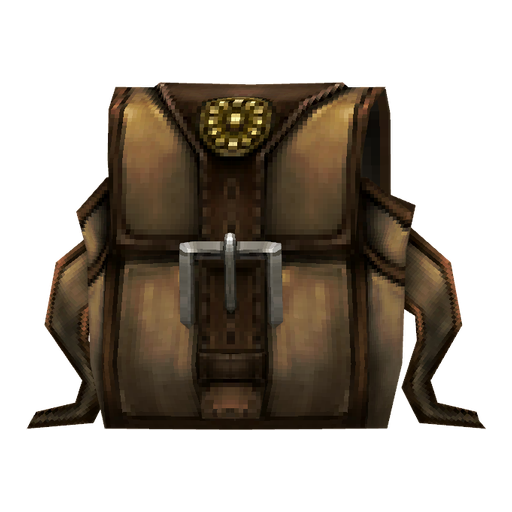
 4
Vault Expansion Certificate, Magic Backpack and the Master Skill Reset
09Play PointsPP 
 9
Jewels of Bless, Chaos and Soul, Blood Castle, Devil Square and Kalima tickets, elite potions and a Seal of Ascension
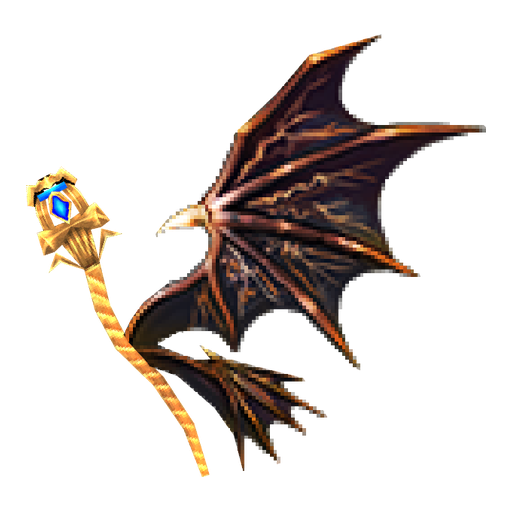
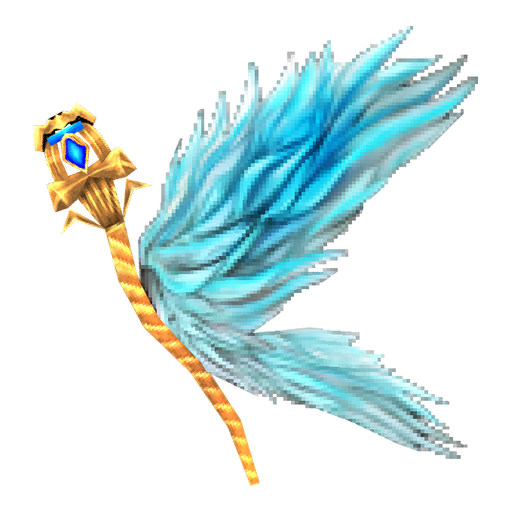
The shop does not sell wings or capes. You make them in the Chaos Machine.
Buying in the game
- 1
Press X to open the Cash Shop. Your KCoin and Play Points are shown at the top right.
- 2
Pick a tab on the left and find the item.
- 3
Press Buy, choose the amount or the number of days, and confirm.
- 4
The item goes to the shop's Storage. Select it there and press Use to move it into your inventory, so keep a free slot.
Gifting
Every item you pay for with KCoin can be sent to another character. Play Points items cannot be gifted.
- 1
Open the Cash Shop with X and find the item.
- 2
Open the item's buy window and choose Gift instead of Buy.
- 3
Type the name of the character who gets it and confirm. The price comes off your KCoin.
- 4
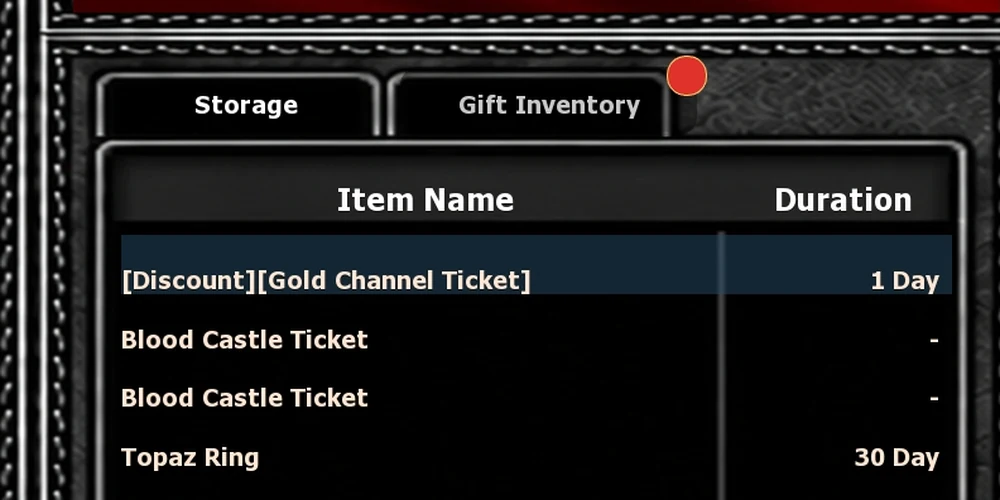
The gift waits in that player's Gift Inventory, next to the Storage in the shop, until they press Use.
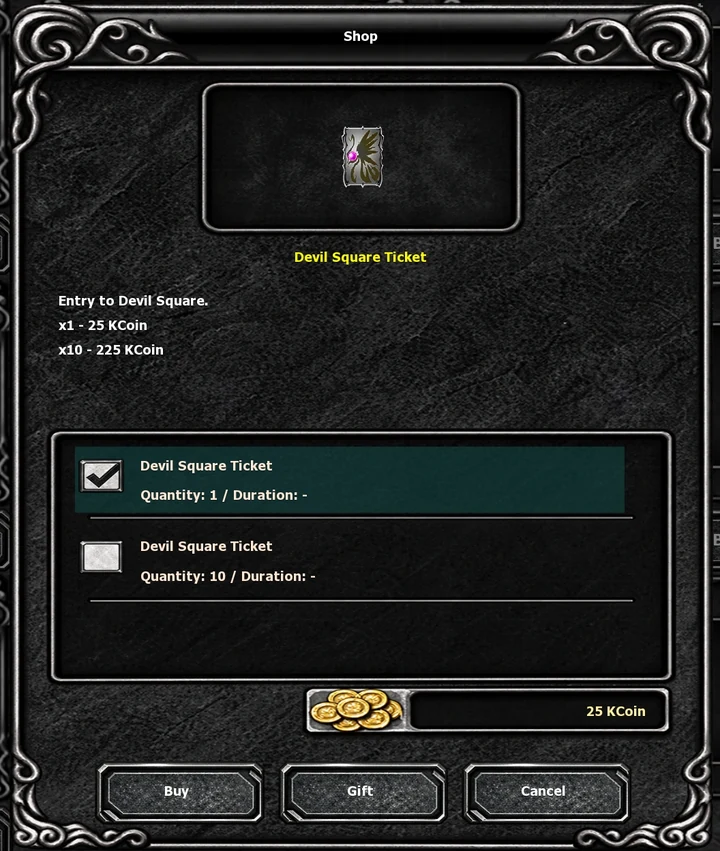
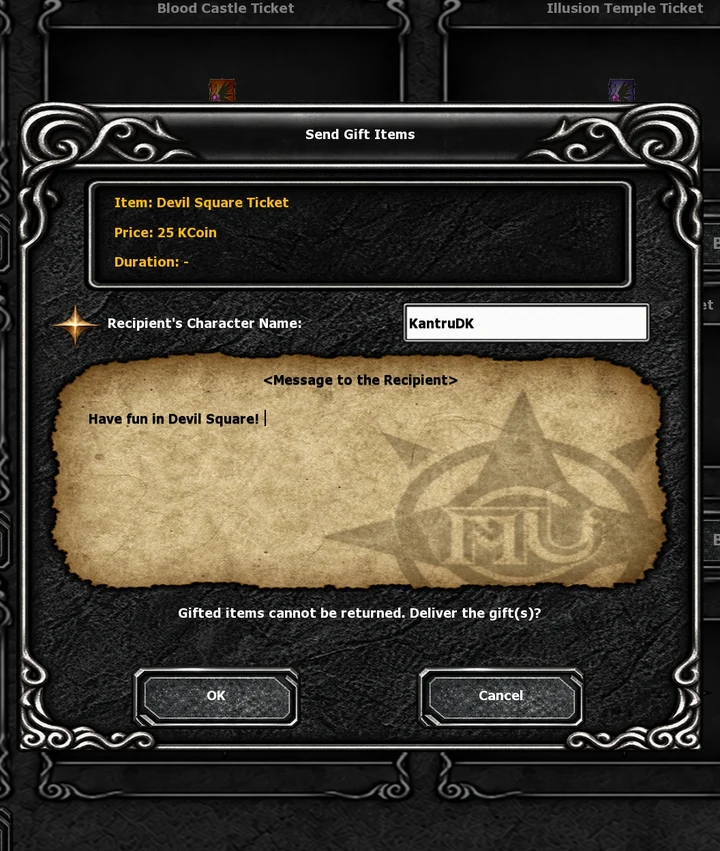
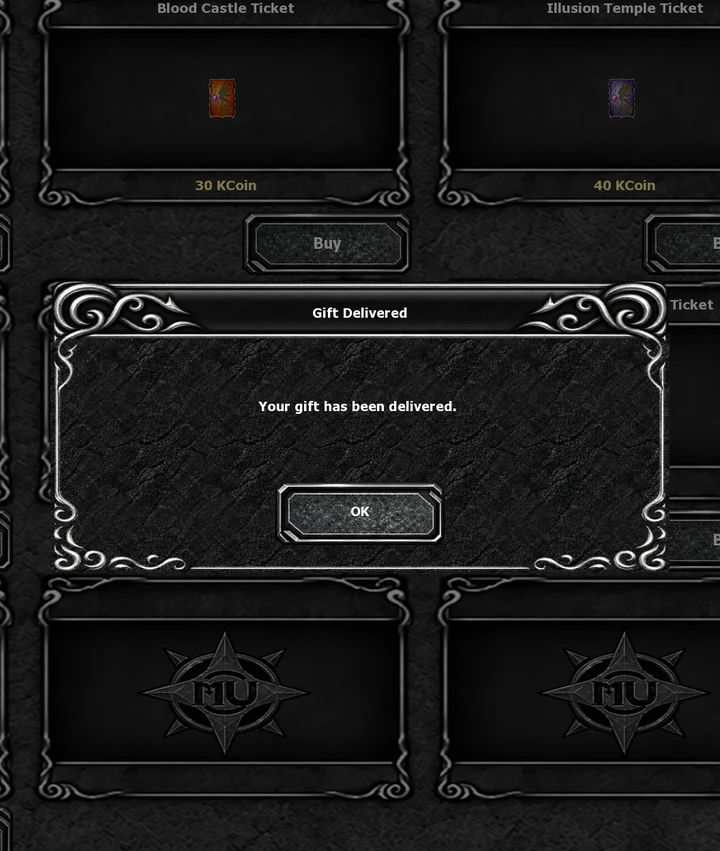
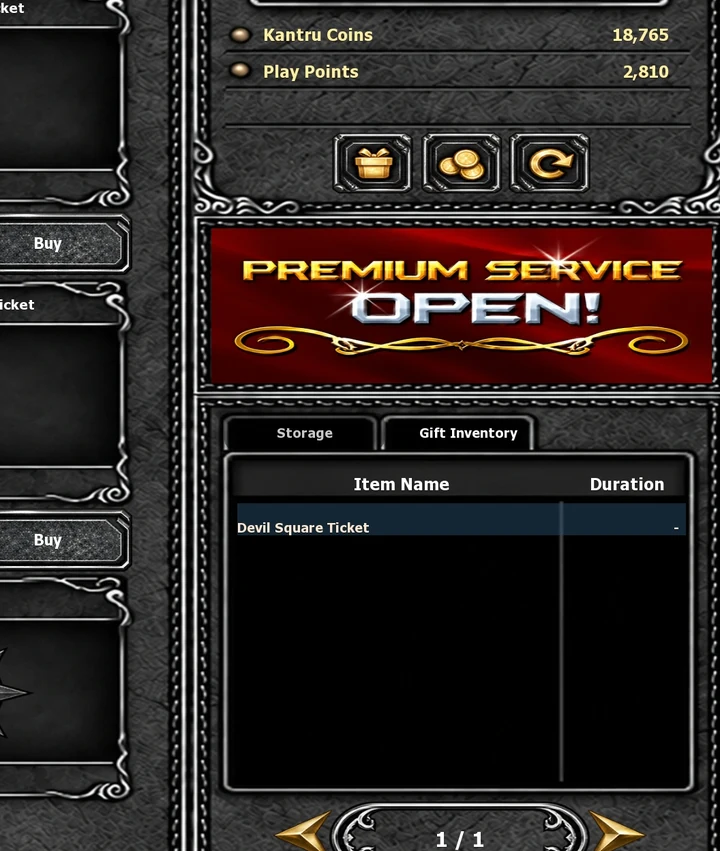
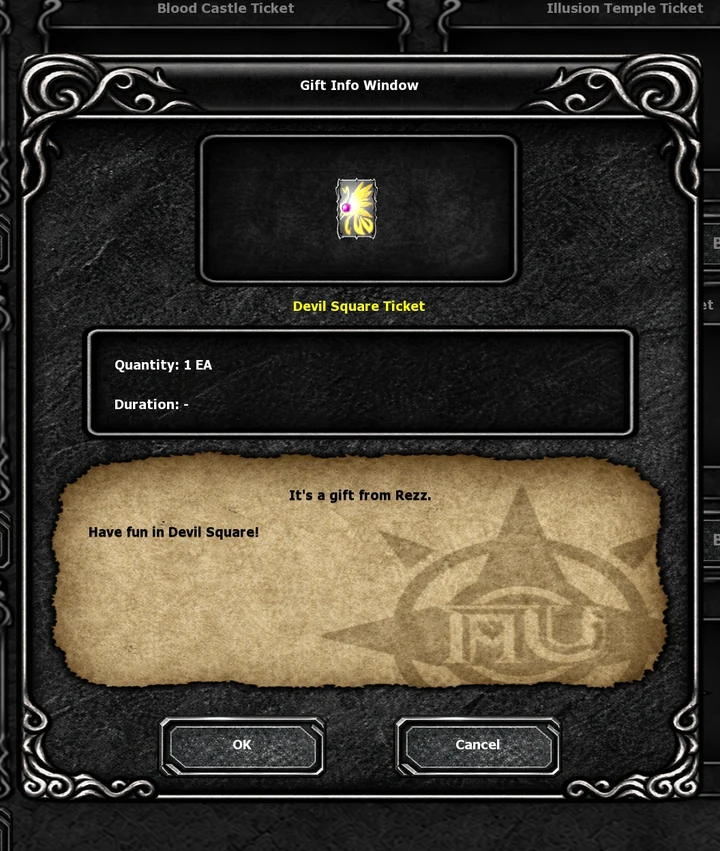
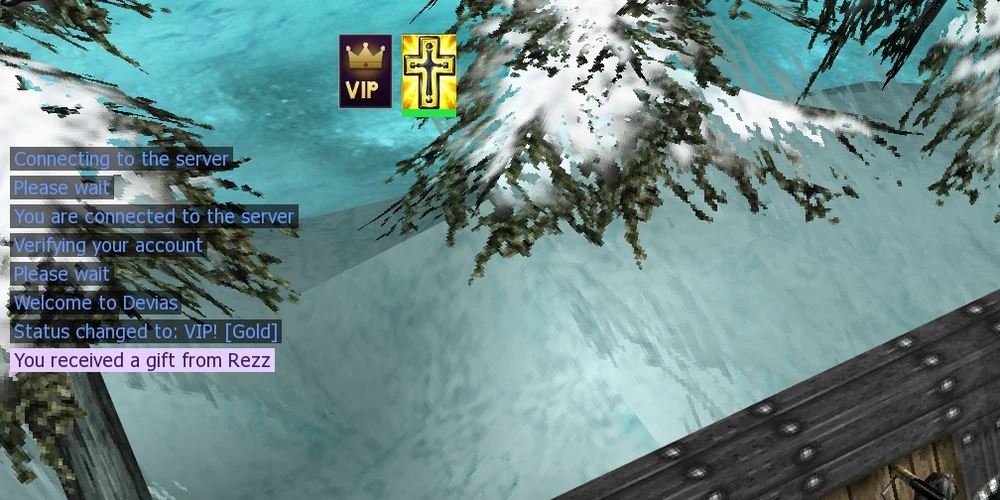
The recipient sees You received a gift from and the sender's character name in the chat when they log in, and the Gift Inventory tab shows a red dot until they open it.
Buying KCoin
- 1
Log in and open the shop.
- 2
Pick a KCoin package. Your first top-up also comes with bonus coins.
- 3
Tick the box under your order and press the PayPal button.
- 4
Finish the payment at PayPal. You come back to the shop with the coins on your account, and a receipt goes to your email.
No relog needed. Press X to open the Cash Shop, then press refresh, the third button under your balance at the top right.
Open a ticket on Discord and include the order number from your receipt.
On the website
- Top up KCoin
In the shop, with PayPal. Your balance and your VIP time are shown at the top.
- VIP
- Catalog
The catalog lists every Cash Shop item with its prices, tab by tab. It is for looking only: items are bought in the game.
- KCoin transfer
Send coins to another account under Account Area → KCoin transfer.
Good to know
- One price per tab
An item's price is in the currency of its tab. A Blood Castle Ticket costs KCoin in Tickets and PP in the Play Points tab.
- Daily cap
Play Points stop at 60 a day however long you play.
- No refunds
Purchases are digital and are not refundable. Your statutory rights remain protected.
- Free slots
Clear a slot in your inventory before you press Use in the Storage.